Fix - React Hook "useState" is called conditionally

Have you started using React hooks recently and got the following error?
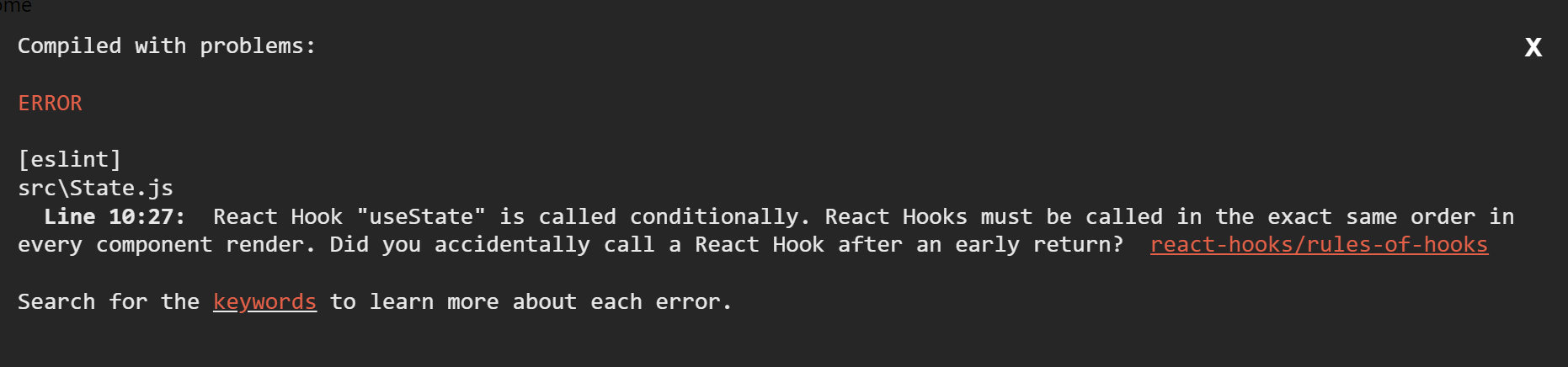
React Hook "useState" is called conditionally. React Hooks must be called in the exact same order in every component render. Did you accidentally call a React Hook after an early return?
In this article, we will see why this error occurs, and how to fix it.
Replicating the issue
First, let's replicate the issue:
import React, { useState } from "react"

const App = () => {
  const [isLoading, setIsLoading] = useState(false)

  if (isLoading) {
    return <div>Loading..</div>
  }
  const [data, setData] = useState({})

  return <div>Home</div>
}

export default App
If you update App.js to the above code, you will get the following error :
Understanding the issue
Before fixing the issue, let's understand the issue. As the error message indicates, you should not call useState after the return statement or inside an if condition. React hook calls should always happen before any return statement and preferably at the top of the component.
Fixing the issue
To fix the error, you just need to move the useState call before the if condition:
import React, { useState } from "react"

const App = () => {
  const [isLoading, setIsLoading] = useState(false)
  const [data, setData] = useState({})

  if (isLoading) {
    return <div>Loading..</div>
  }

  return <div>Home</div>
}

export default App


